



AI GenerationAI Image Editing Configuration
Configure your model, prompt, and output
Image Preview


Nano Banana 2.1 - AI Image Generation & Editing Platform
Powered by Nano Banana 2.1, turn text and reference images into original visuals. Edit photos, explore creative directions, and download your results directly in your browser.
150K+
Creators Trusted
High quality
prompts
How to Use Nano Banana 2.1
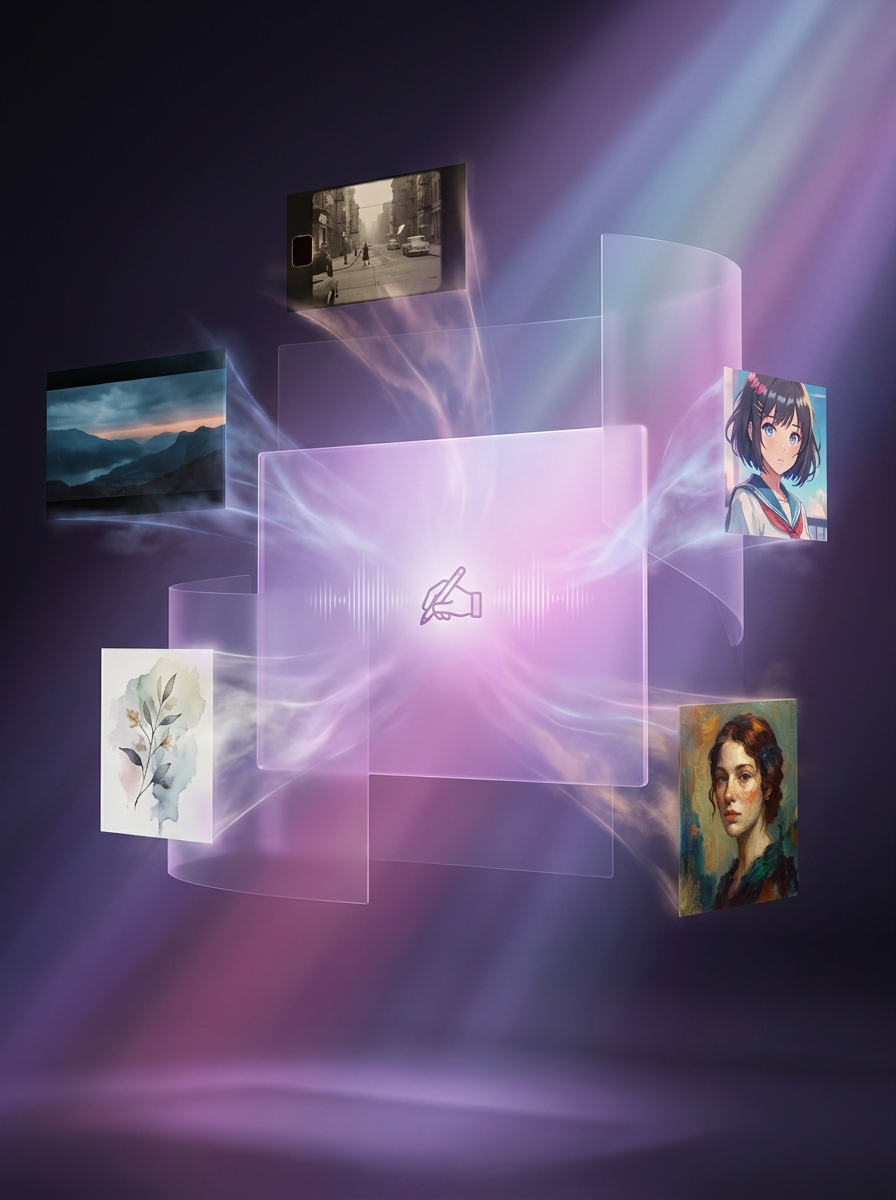
Create with Nano Banana 2.1 in three steps: describe your idea, choose your image settings, and generate. Start from text or upload a photo to edit an existing image.
- 1. Describe Your VisionWrite a complete brief for a new image, or upload references and describe the details you want to change or preserve.
- 2. Choose Model & FormatChoose Nano Banana 2.1 in the editor, then select your output format. Check the available resolution, aspect ratio, and credit cost before generating.
- 3. Generate & DownloadReview the result, make focused prompt changes, generate variations, and download the strongest image for your project.
Why Create With Nano Banana 2.1?
Bring your idea, product photo, or creative brief into one workspace. Nano Banana 2.1 gives you a direct way to explore new visuals and make image edits through natural-language prompts.
From Your First Prompt to a Finished Image
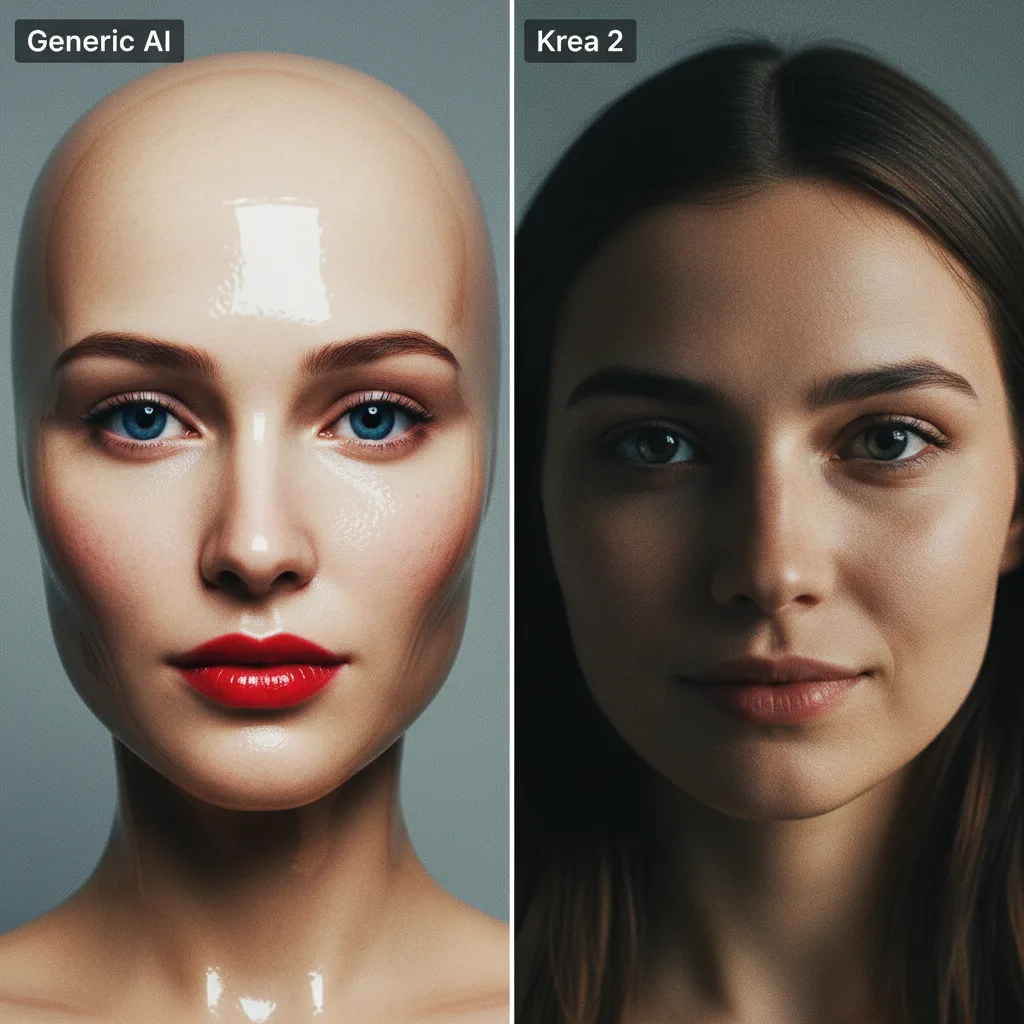
Get more useful results from Nano Banana 2.1 by making your subject, visual direction, and editing instructions specific.
Create and Edit With Nano Banana 2.1
Make original images, guide the result with references, and refine the details in one editor. Choose the format and settings that fit where your image will be used.
Nano Banana 2.1, Ready to Create
Select Nano Banana 2.1 and start with a prompt or reference image. Keep the subject, style, and intended use in your brief as you explore different directions.
Multi-Reference Style Control
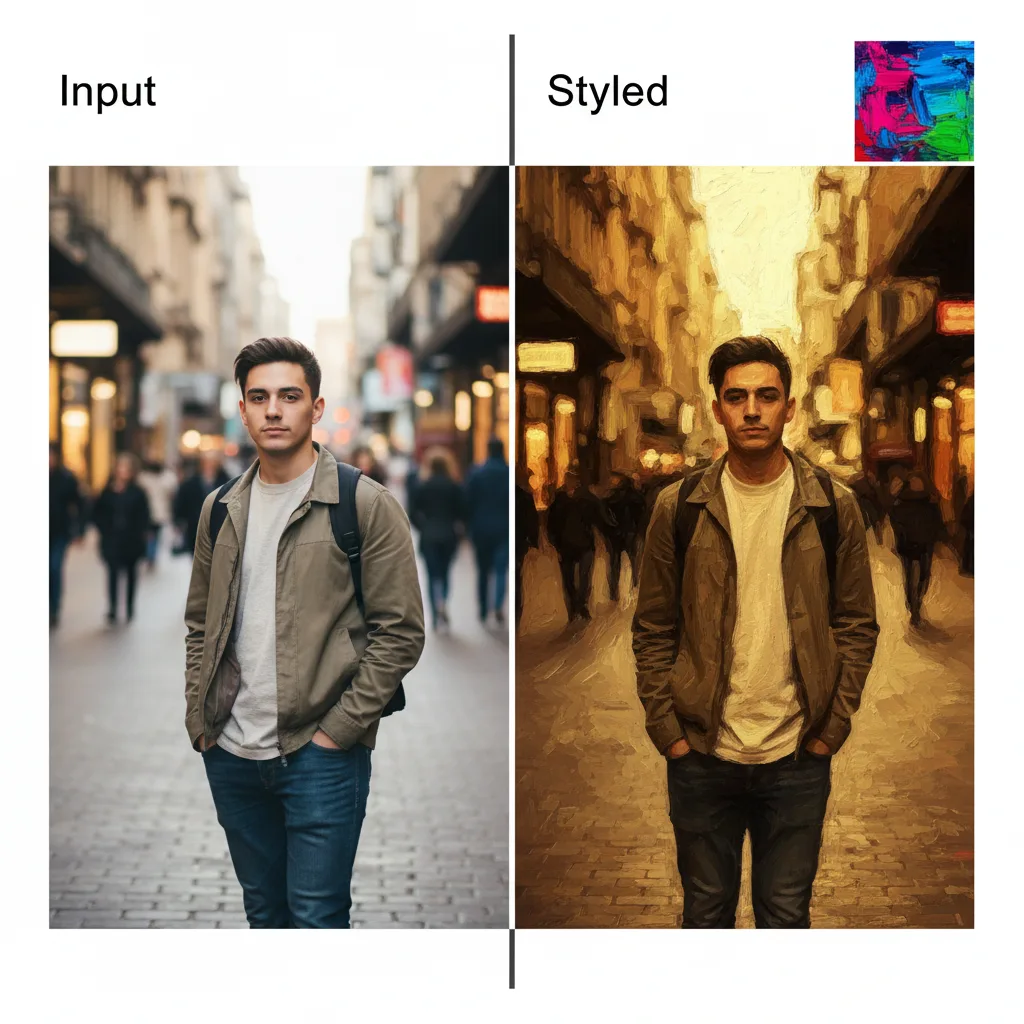
Upload multiple references when the active model supports them, then describe which subject, object, composition, or visual language each image should guide.
Text-to-Image Generation
Turn a structured prompt into a new image, from product scenes and posters to illustrations and concept art. Results vary, so review important text and details before use.
Natural-Language Image Editing
Upload an image and describe a focused change such as a background, object, outfit, material, or lighting adjustment while naming the elements to preserve.
Flexible Aspect Ratios
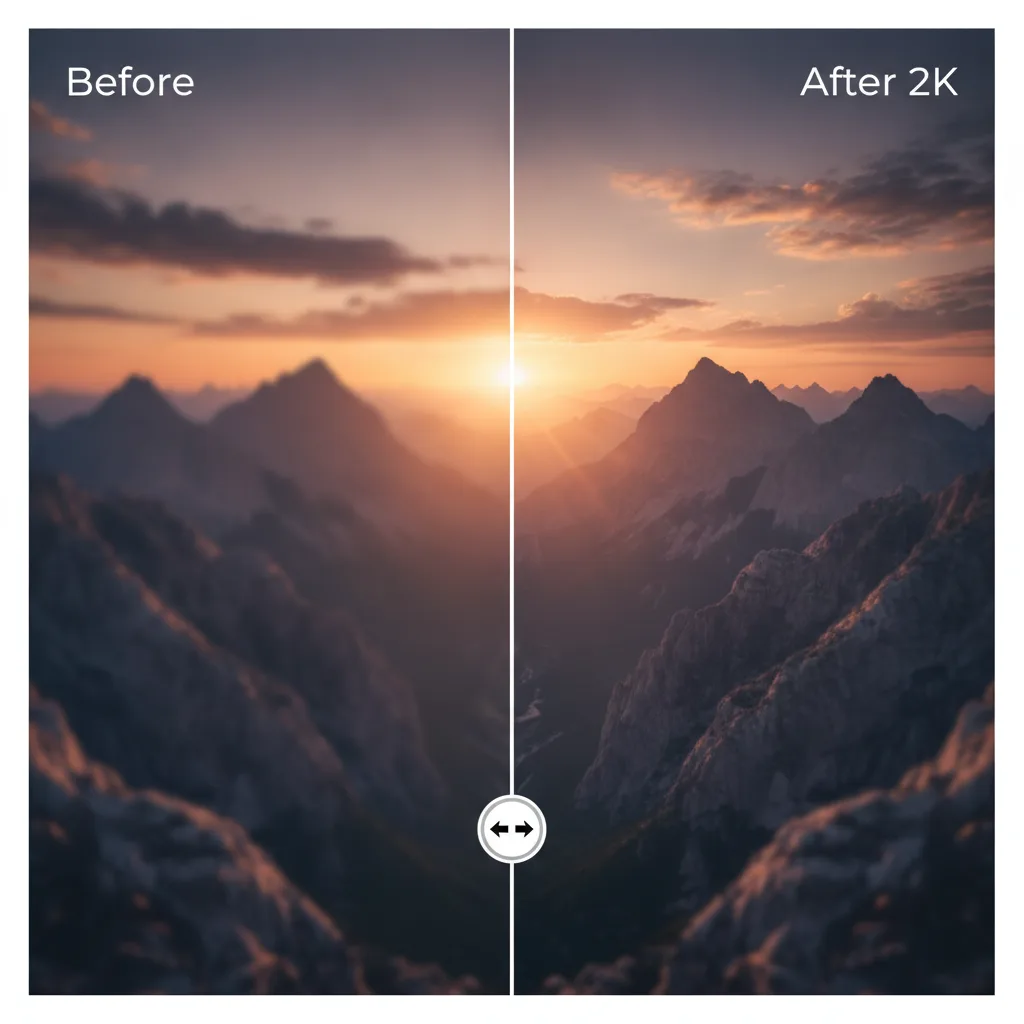
Generate in square, portrait, landscape, cinematic, and extended ratios supported by the selected model. The editor only sends options exposed for that workflow.
Cross-Platform Web Access
Use Nano Banana 2.1 as a browser-based creative workspace on desktop, tablet, or mobile. No local GPU or model installation is required.
What Can You Make With Nano Banana 2.1?
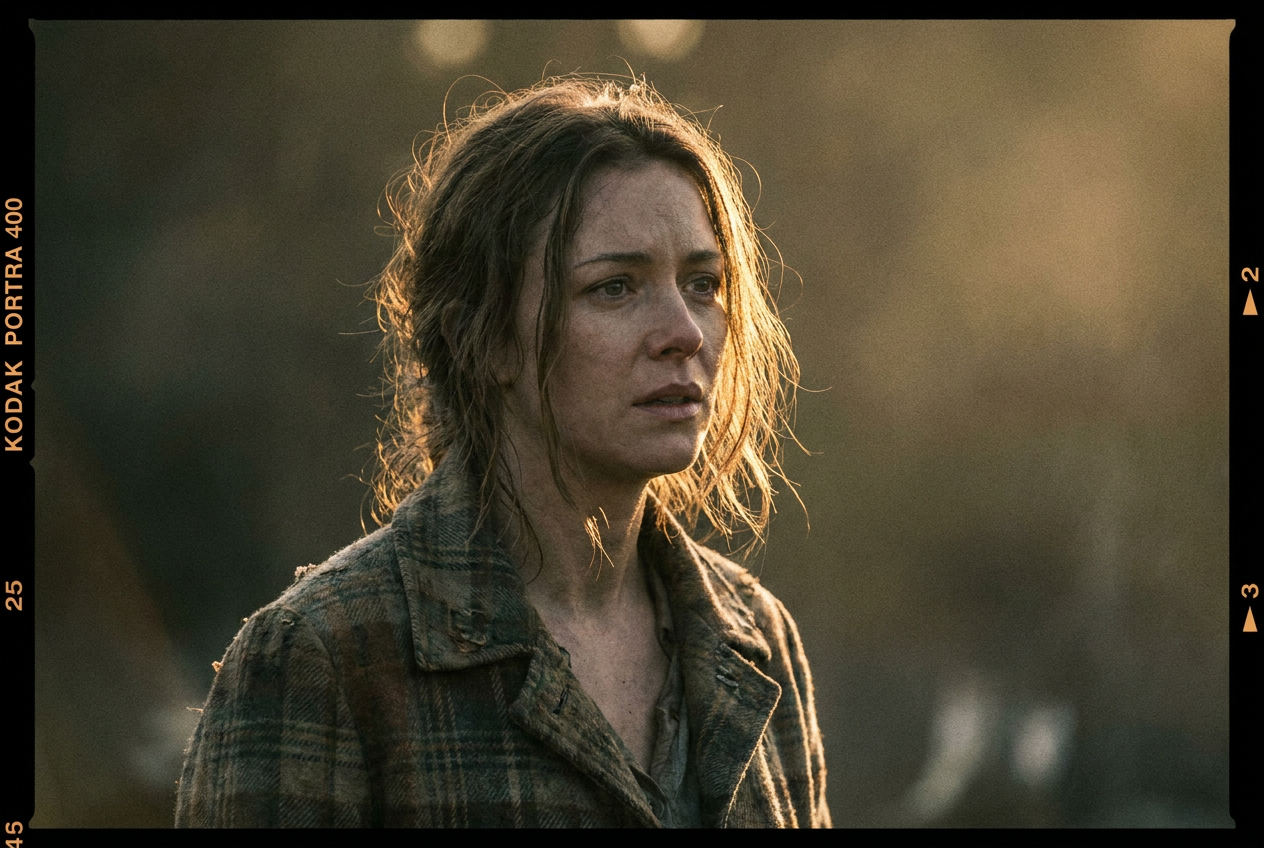
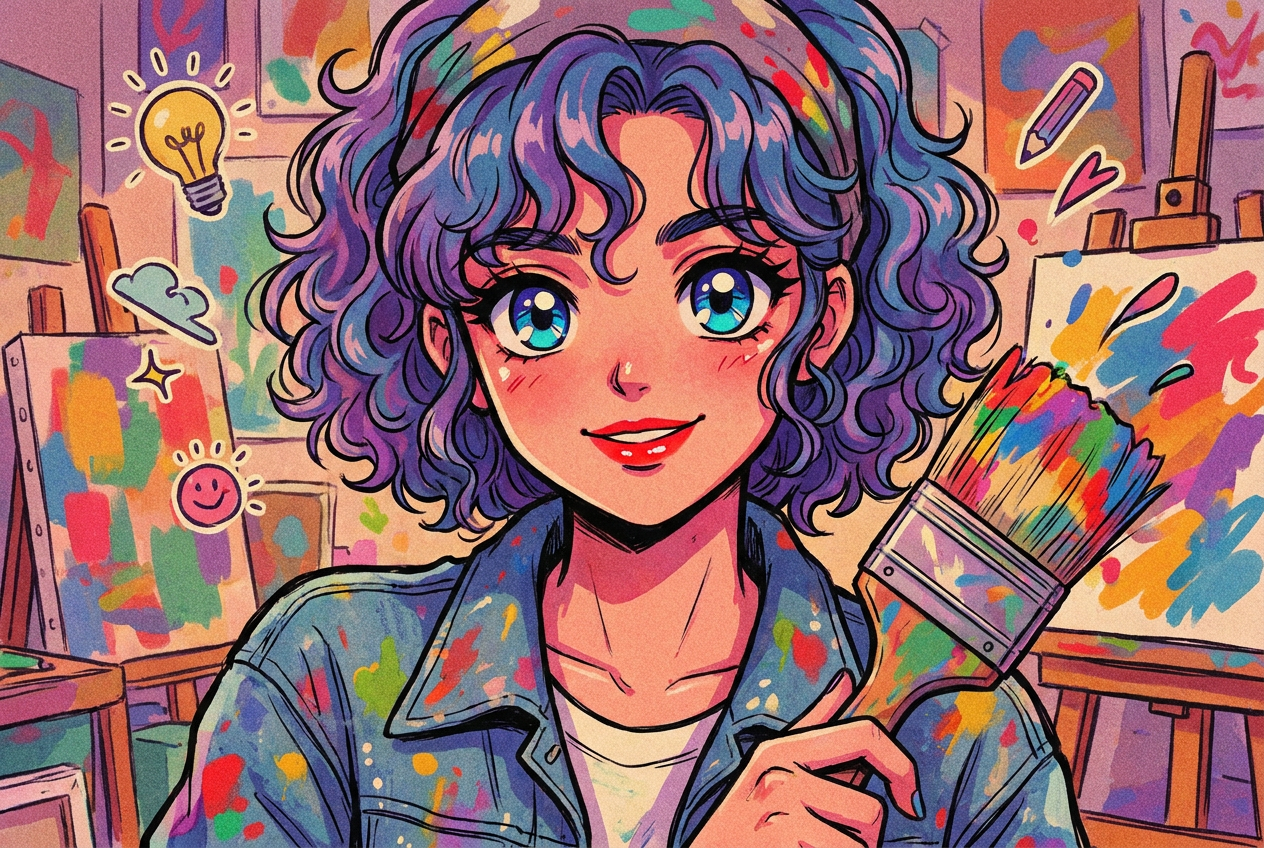
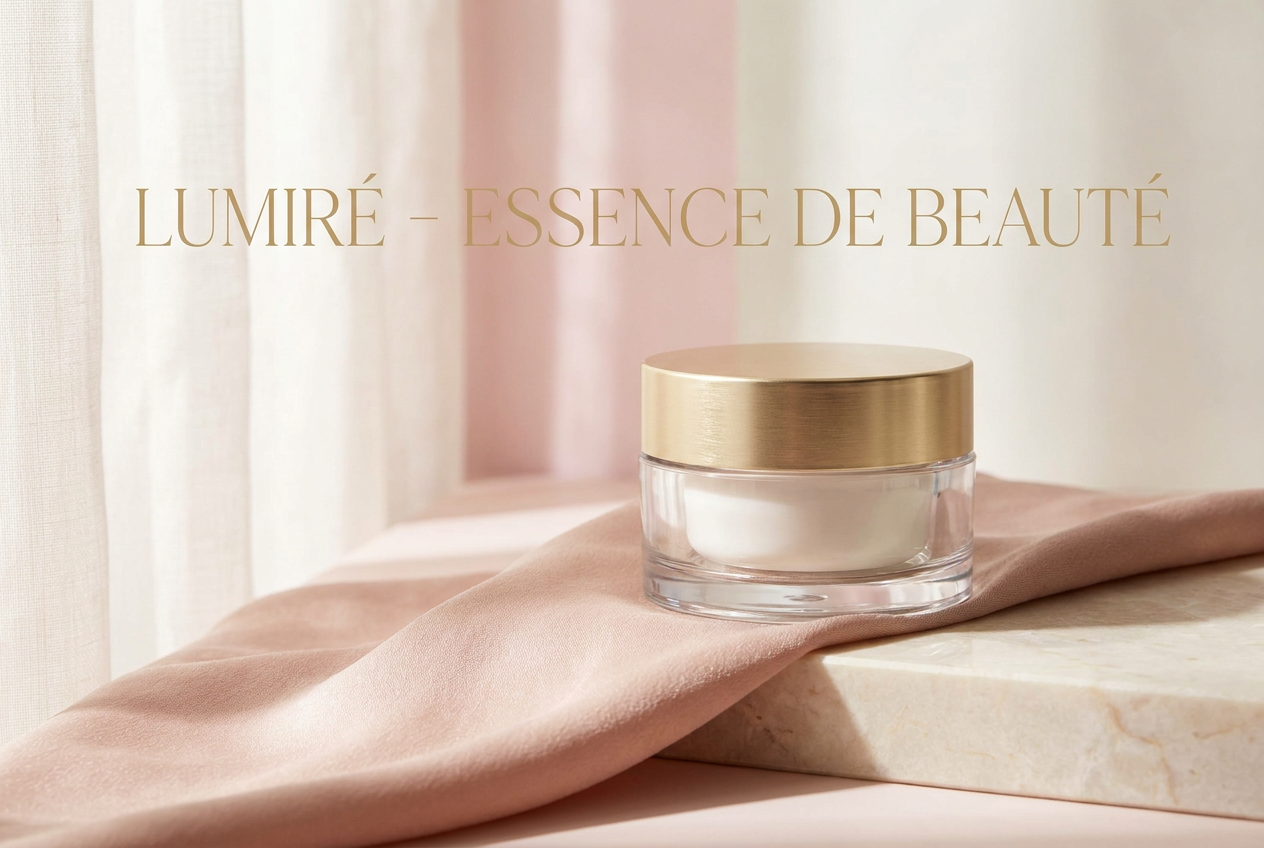
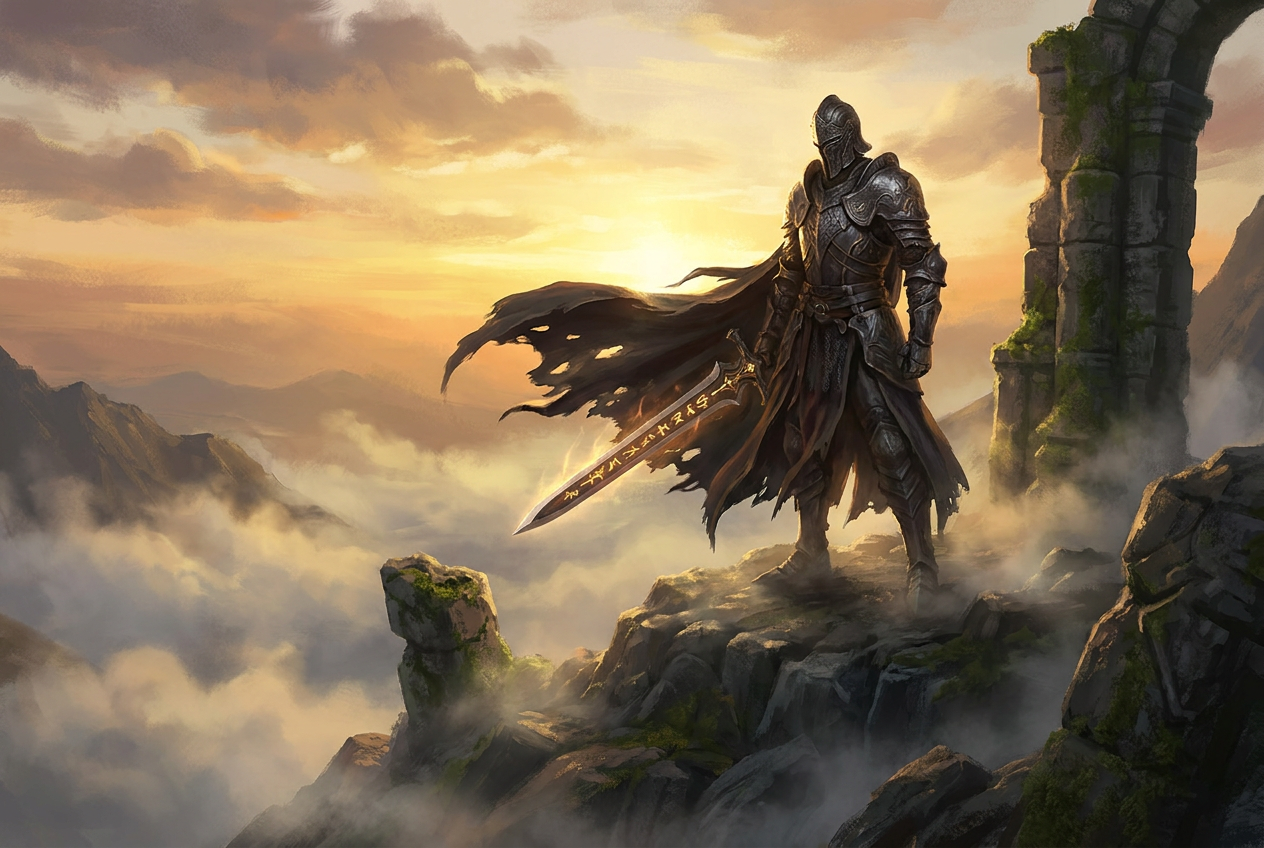
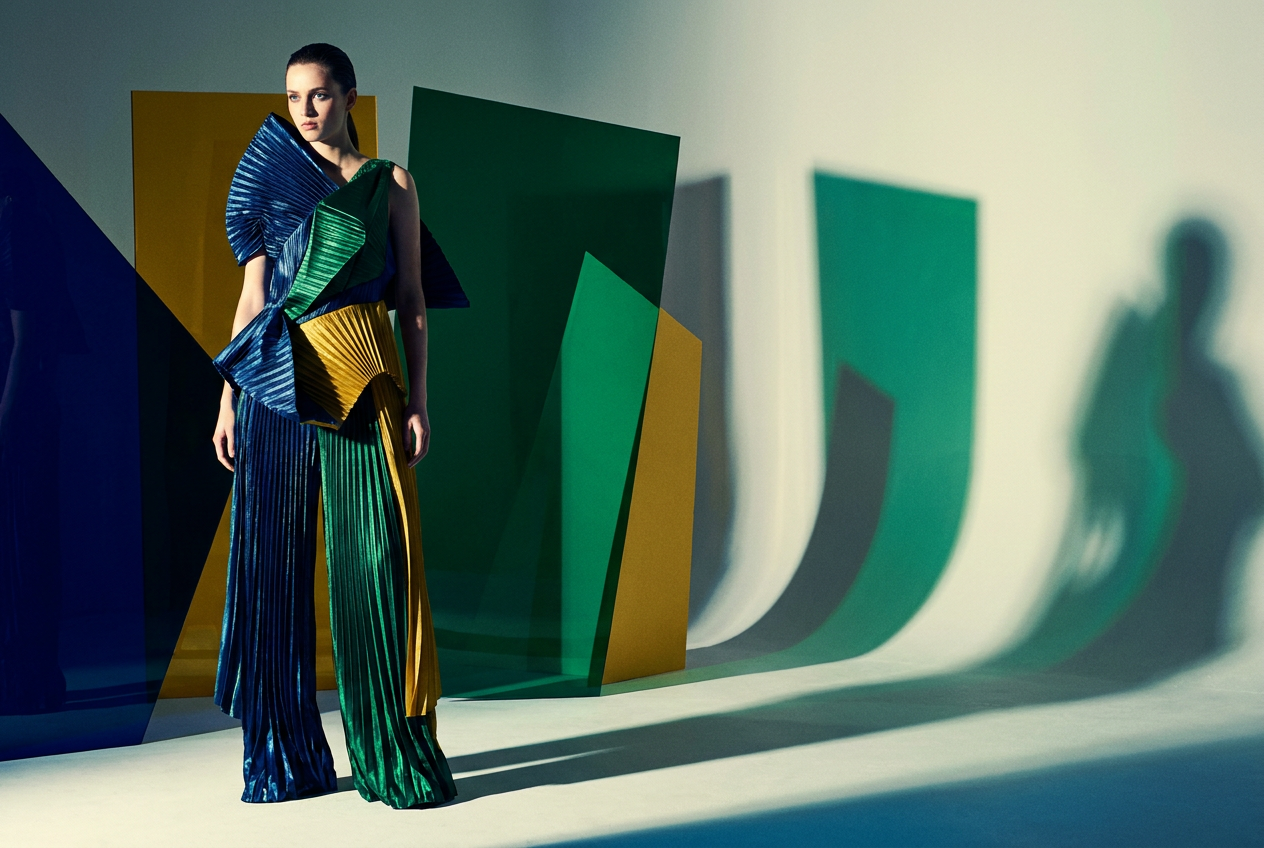
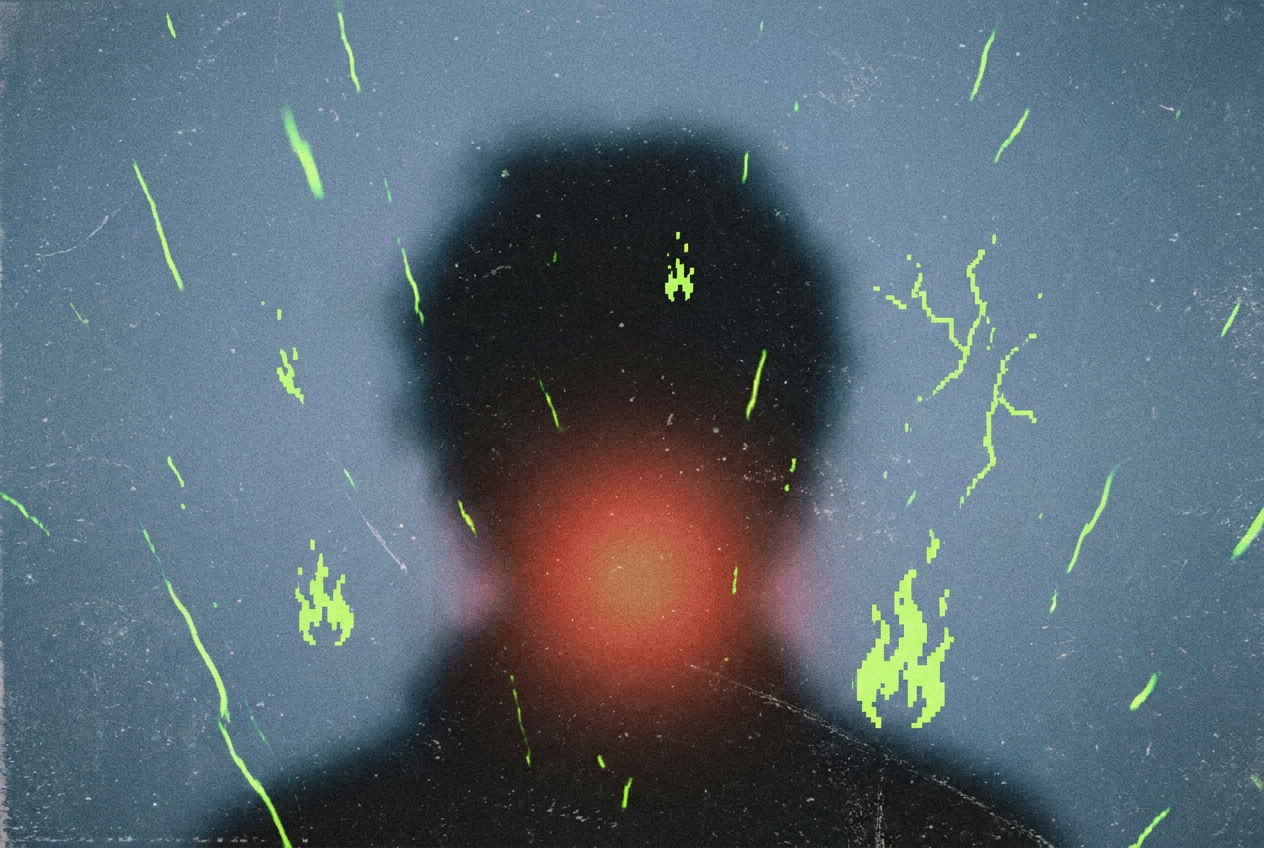
Your Idea. Your References. Your Image.
Start from text or a photo, choose your output settings, and refine the result with Nano Banana 2.1. Available options and credit costs are shown in the editor.
Reference Images
Up to 14
Varies by Model
Output Resolution
Up to 4K
Where Supported
Creative Modes
Text + Image
Generate and Edit
Simple, Transparent Pricing
Choose the perfect plan for your creative needs.
Free
Perfect for trying our Nano Banana 2.1 image generator
- 16 credits per month
- Up to 5 high quality AI image generations per month
- Standard Quality Images
Great for exploring!
Professional
For serious creators who need professional features
- 500 credits per month
- Up to 166 High quality AI image generations per month
- Up to 50 AI video generations per month
- Advanced Quality
- Every image you generate is 100% watermark-free
- Commercial use license
✓ Cancel anytime — no questions asked
Enterprise
For studios and teams creating at scale
- 5000 credits per month
- Up to 1666 High quality AI image generations per month
- Up to 500 AI video generations per month
- Advanced Quality
- Every image you generate is 100% watermark-free
- Commercial use license
✓ Cancel anytime — no questions asked
Model credit costs
With a reference video, credits are charged on output duration plus the total reference-video duration.
Who Is Nano Banana 2.1 For?
Find a starting point for your work, whether you are preparing a product listing, planning a campaign, or editing a single photo.
E-commerce Sellers
Product Photography
Turn a product photo into a new studio or lifestyle scene. Specify the packaging details to preserve, then explore backgrounds and compositions for a listing or campaign.
Social Media Creators
Thumbnails & Posts
Create a visual around the idea behind your next post. Try different subjects, lighting, and layouts, then select an aspect ratio suited to the channel.
Designers & Marketers
Campaign Concepts
Explore several visual directions from one brief before choosing a campaign look. Use Nano Banana 2.1 to develop concepts that you can review with your team.
Illustrators & Storytellers
Characters & Scenes
Start with a character reference and place it in a new setting. Describe the pose, costume, and mood, then check the details across your sequence.
Photographers
Focused Photo Edits
Describe the one thing you want to change: the background, an object, a material, or the lighting. Tell Nano Banana 2.1 which parts of the original photo to preserve.
Small Business Owners
Everyday Brand Content
Use a product photo and a short brief to explore visuals for an announcement, offer, or seasonal update. Refine the chosen image before adding your final copy.
Frequently Asked Questions About Nano Banana 2.1
Answers to common questions about getting started, writing prompts, editing photos, credits, and downloading your results.
What is Nano Banana 2.1?
Nano Banana 2.1 is an AI image model for creating images from text and editing existing images with written instructions. Use it here in your browser to develop product visuals, illustrations, social graphics, and photo edits.
Nano Banana 2.1 vs Nano Banana 2: should I switch?
Nano Banana 2 is Google's Gemini 3.1 Flash Image model, positioned for a balance of image quality, speed, and cost. When considering Nano Banana 2.1, test a prompt and reference image you already use with Nano Banana 2. Compare subject consistency, text accuracy, editing precision, generation time, and credit cost. Keep Nano Banana 2 for work it already handles well; switch when 2.1 gives you a result that needs fewer corrections. A higher version number alone does not establish a quality or speed advantage.
Nano Banana 2.1 vs GPT Image 2.5: which should I choose?
GPT Image 2.5 is OpenAI's image generation and editing family. OpenAI positions Flare for faster everyday creation and Sunburst for more precise, detailed editing with longer generation times. To choose between GPT Image 2.5 and Nano Banana 2.1, try the same product photo, portrait, or poster brief with both. Compare reference fidelity, readable text, how well edits preserve unchanged areas, and the total cost of reaching a usable result. Neither is a universal winner; choose based on your images and editing needs.
How do I start using Nano Banana 2.1?
Sign in, select Nano Banana 2.1 in the editor, and choose Text-to-Image or Image-to-Image. Enter your prompt, add a reference if needed, select the available output settings, and check the credit cost before generating.
Can Nano Banana 2.1 edit a photo I already have?
Yes. Choose Image-to-Image, upload your photo, and describe the change you want. For example: replace the background with a sunlit studio while keeping the product, label, and camera angle unchanged.
How do I write a good Nano Banana 2.1 prompt?
Describe the subject, setting, composition, lighting, and style. For edits, state both what should change and what should stay the same. Start with one clear objective, then refine the result with specific adjustments.
Can I keep the same character or product across images?
Use a clear reference image and describe the features to preserve, such as the face, hairstyle, outfit, packaging, or logo placement. Reuse the same references across variations and review the results for consistency; an exact match is not guaranteed.
What resolutions and aspect ratios can I choose?
The Nano Banana 2.1 editor shows the settings available for your selected model. Choose a square, portrait, or landscape format to suit your project, and check the resolution and credit cost before starting a generation.
Is Nano Banana 2.1 free to use?
Check the Pricing section for current free access and paid plans. Generations use credits, and the cost is displayed in the editor before you submit. Your available balance is shown when you are signed in.
Can I create posters with readable text?
Include the exact words in quotation marks and describe where they should appear. Keep important copy short and give it space in the layout. Check spelling, numbers, and small labels at full size before publishing.
Why does my result look different from my prompt?
AI image generation can interpret an instruction in more than one way. Simplify conflicting details, add a useful reference, and make one focused change at a time. More specific instructions usually make the next result easier to evaluate.
How do I download my generated images?
When generation finishes, open the result in the preview and use the download control to save it. Inspect the downloaded image at full size before sharing or including it in a finished project.
Can I use the images for commercial projects?
Paid plans include the commercial-use benefit described in Pricing. You must also have permission to use any uploaded photos, logos, or other protected material. Review the Terms of Service and your final image before publishing.
What if I need a refund?
We offer a 7-day refund policy when less than 50 percent of your credits have been used. Contact support within 7 days of purchase with your order details so we can review your request.
Create Your First Image With Nano Banana 2.1
Have an idea in mind? Describe it or upload a reference, choose your settings, and bring it to life with Nano Banana 2.1.
Get in Touch
Have feedback, questions, or suggestions about Nano Banana 2.1? We would love to hear from you.